Products · For builders
Build on CultureAI: the Console, the API and the kit.
For the Studio, and anyone the Culture companies let build on it.
Mint a key, pin a version, send a request with an idempotency key, subscribe a webhook, and read every call back in the request log. The kit gives you the same platform as an SDK, a CLI, a local mock and an MCP server.
What it does.
The problem
An app built on a platform with no versions, no safe retries and no logs breaks the first time the platform changes, or the network blinks.
What The Console and kit does
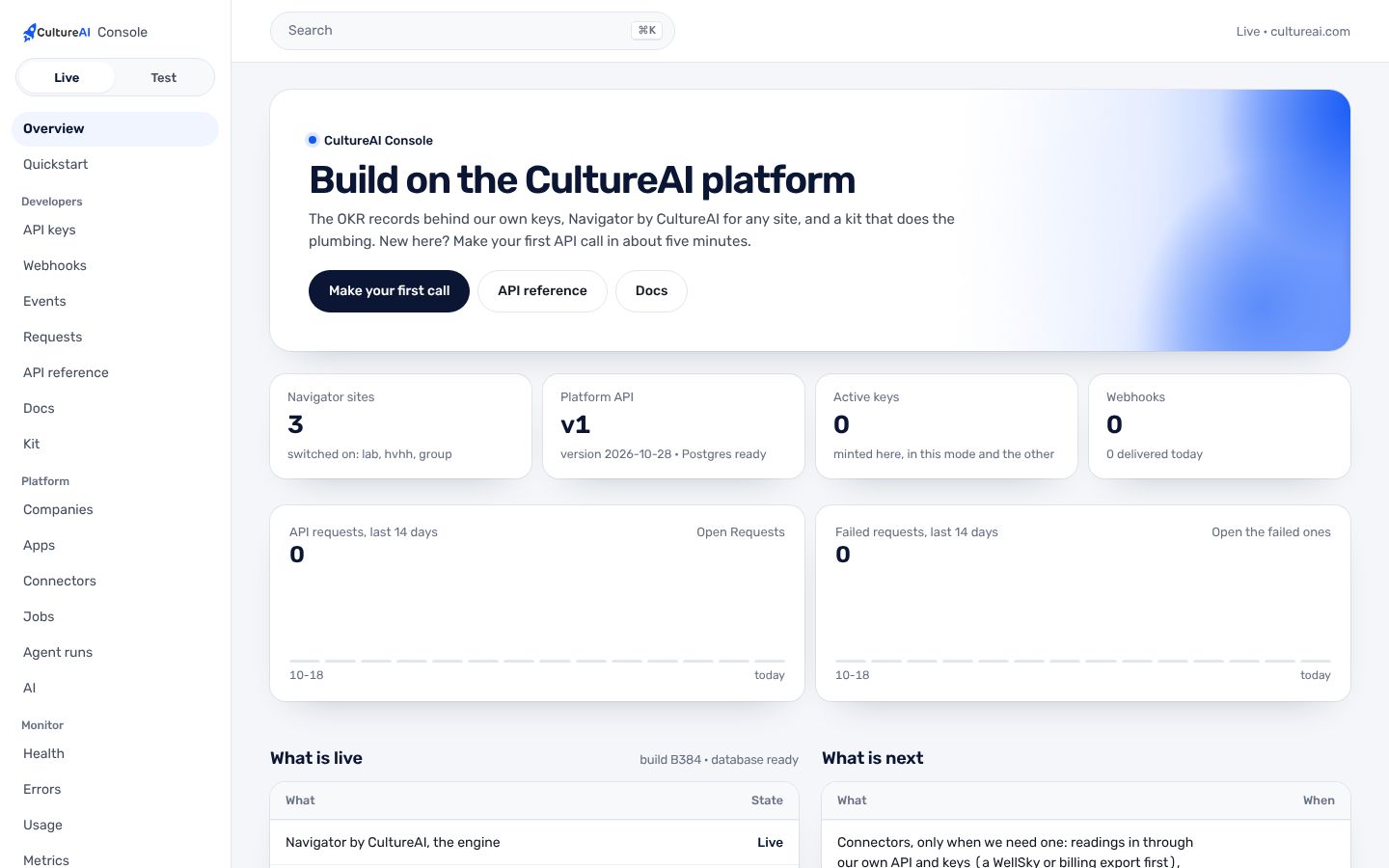
The Console holds the keys, the logs, the jobs, the events, the companies and the health of the platform. The API is versioned by date, and the kit wraps it with the retries and errors done right.
How it works.
Each step, in order. Steps outlined in blue run in the CultureAI core, the same for every product.
- The Console
A key
Minted, shown once, scoped, live or test, revocable. Pinned to the API version of the day it was made.
- Your code
A request
Through the kit or plain HTTPS, with an idempotency key on writes so a retry never does it twice.
- The core
The record
Answered inside the key's company, in the key's version. Every call gets an x-request-id.
- The core
Events out
Webhooks from the event log, signed, sent once and retried.
- The Console
The log
Every call by key, with its status, time and request id.
Real screens, not mockups.
Taken from the product running in its local test world, with a sample company and made-up people.
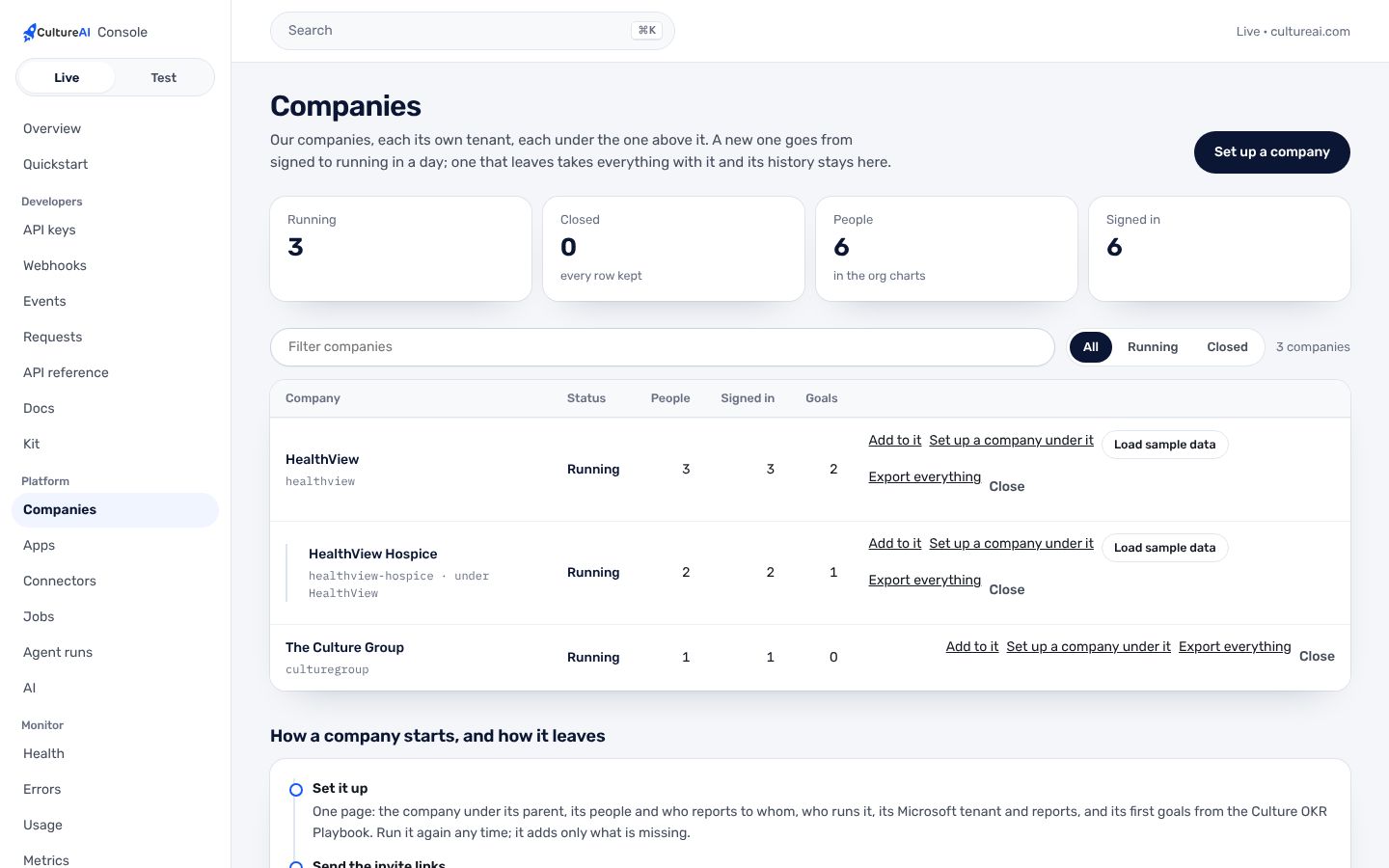
What it does, in plain words.
Dated versions
A key is pinned to its version; the CultureAI-Version header asks for another. Older answers are stepped down, never broken.
Idempotency keys
Retry any write without doing it twice.
Webhooks
From the event log: signed, sent once, retried. Verify with the kit.
Request logs
Every call by key with its request id, in the Console and on the API.
A sandbox
Test keys work on a Sandbox company you can reset to fresh.
The kit
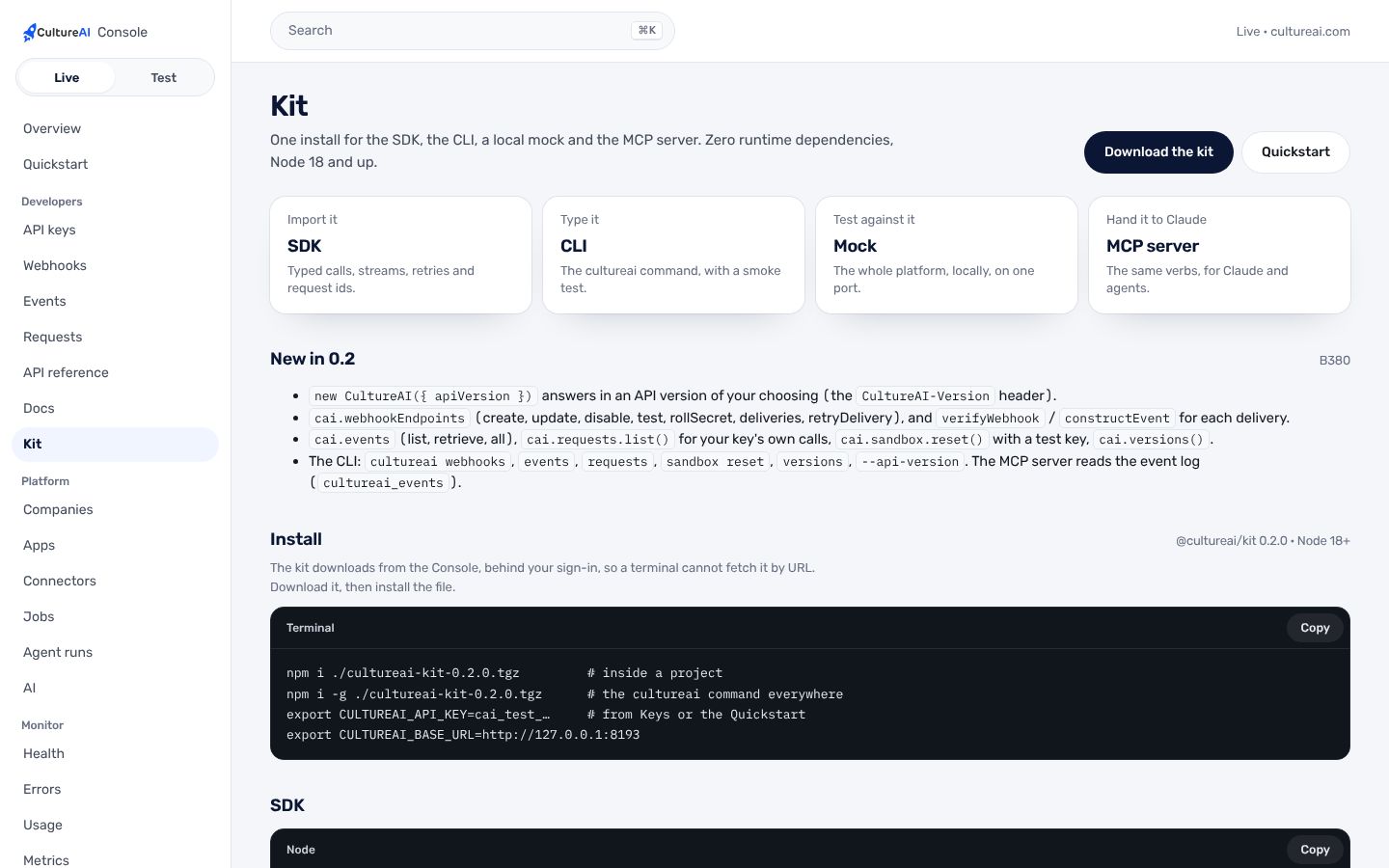
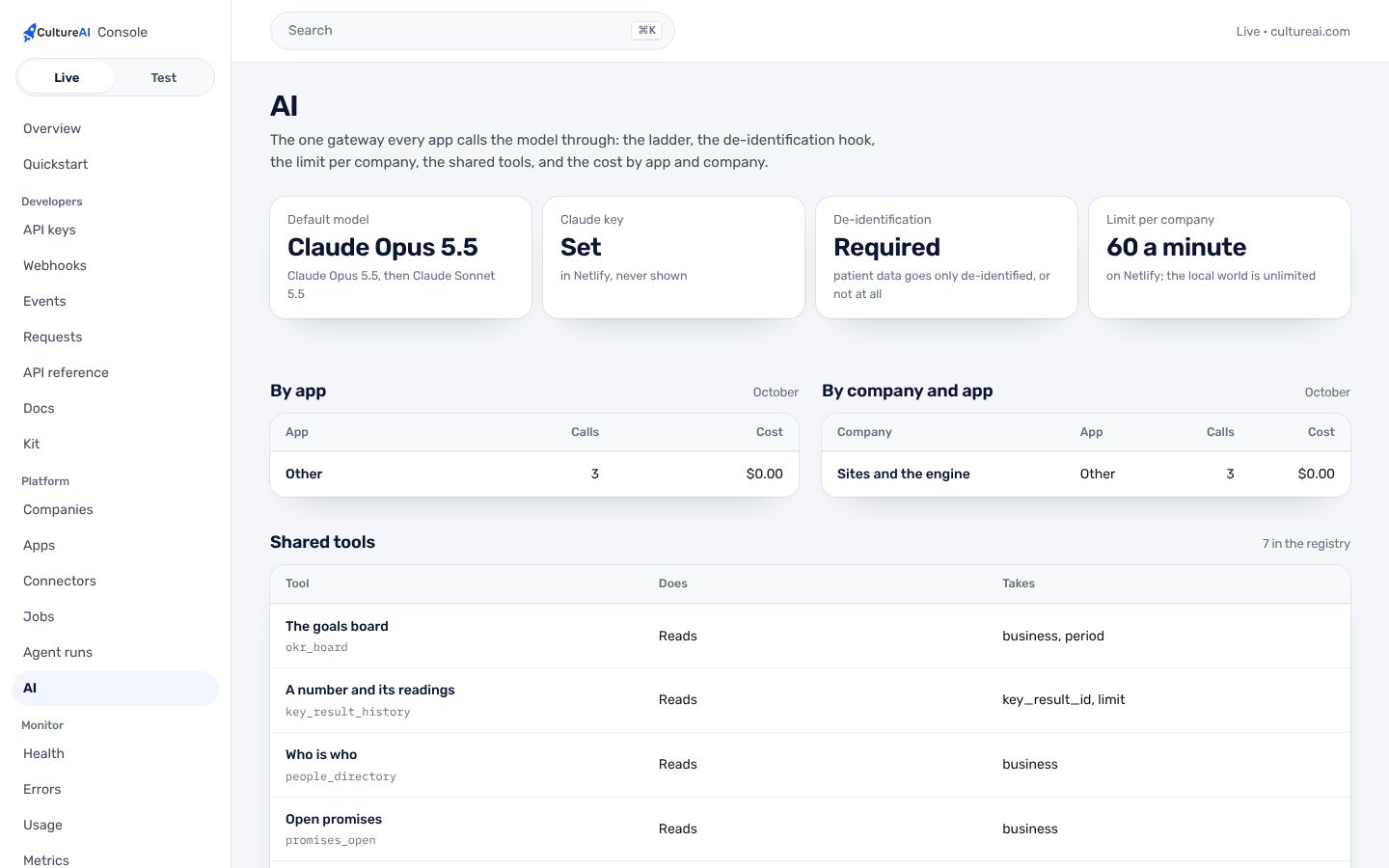
TypeScript SDK, the cultureai command, a local mock, and an MCP server with the platform's shared tools.
Trust and security.
What it keeps apart, what it writes down, and what it never reads. The whole picture is on Security.
- Keys shown onceKeys are shown once, scoped, and revocable. They live only in Netlify environment variables or with whoever minted them.
- The wall holdsA key reads only its own company. Another company is simply not there.
- Writes need a personA tool that writes is never run by an agent on its own.
- WatchedAlerts on errors, AI failures, failed jobs and spend, and a daily live check of the published site.
How it fits the platform.
The Console and kit is a thin layer on the CultureAI platform. It builds none of these itself; it uses the ones marked Uses.
- Identity and tenancyUses
Sign-in, companies under a parent, roles, the wall each company keeps
- Data and patient dataNot used
One record in Neon; patient data only through its own module
- Events and jobsUses
What happened, in one log; long work as durable jobs
- ConnectorsUses
Outside systems plugged in one way, per company
- The AI layerUses
One gateway to the model, de-identification, shared tools, cost per company
- Audit and observabilityUses
Who did what; alerts; the daily live check
- NotificationsNot used
Teams, written down, never twice, quiet hours
- Developer surfaceUses
Keys, versions, webhooks, request logs, the kit
Connectors. The Console reads every connector's health. The MCP server lets an AI agent use the same tools the employee uses, held to the key's mode.
How to get it.
CultureAI is not for sale. It is installed in every company we build or back, and The Culture Group's companies come first. Each company gets it inside its own walls, set up with the rest of the platform.
Say aloha- A company is set up under its parent, with its people and owner, in one step from the Console.
- Its connectors are switched on one at a time, each with its own credentials and its admin's yes.
- Its people sign in with one CultureAI account, and the product is there.
Questions.
Who can get a key?
The Culture companies and the Studio. CultureAI is not for sale.
What languages does the kit support?
The kit is TypeScript for Node 18 and up, with no runtime dependencies. Any language can call the API over HTTPS; the OpenAPI document is in the Console.
Will an update break my app?
Not on its own. A key stays on its version until you move it, and a breaking change ships as a new version.
Can I try it without touching real data?
Yes. Test keys run on the Sandbox company, and the kit's mock runs on your own machine.