
Products · Connector
The reports your teams already send, read in every week.
For leaders who track office numbers and the teams who send them.
Point CultureAI at a reports mailbox and a SharePoint or OneDrive folder. It reads the spreadsheets and the emails your teams already send, and keeps the office numbers. Never a patient.
StatusBuilt. It starts reading when a company is ready to send reports and its Microsoft admin grants the two permissions.
What it does.
The problem
The week's numbers already exist. They arrive as spreadsheets and emails, someone retypes them into a goal, and by Friday half of them are missing.
What Reports from Microsoft 365 does
CultureAI reads the mailbox and the folder in the company's own Microsoft tenant, picks up numbers by their label, and records them where the goals can see them. No new form for anyone to fill in.
How it works.
Each step, in order. Steps outlined in blue run in the CultureAI core, the same for every product.
- Your team
The usual report
A spreadsheet in the folder, or an email to the reports mailbox with lines like "Census: 108".
- Microsoft 365
Read through Graph
In the company's own approved tenant, with only the mailbox and the folder it was given.
- The core
Checked for patients
A file with a patient, name, birth date or phone column is refused before any number is kept.
- The core
Kept by label
Numbers are kept by their label only, never a subject line or a person.
Real screens, not mockups.
Taken from the product running in its local test world, with a sample company and made-up people.
What it does, in plain words.
A reports mailbox
Attachments, and "Label: number" lines in the body of the email.
A folder
A SharePoint or OneDrive folder the team already saves its reports in.
Least access
The recommended setup gives CultureAI only the one mailbox, through Exchange application roles, not every mailbox.
Every report accounted for
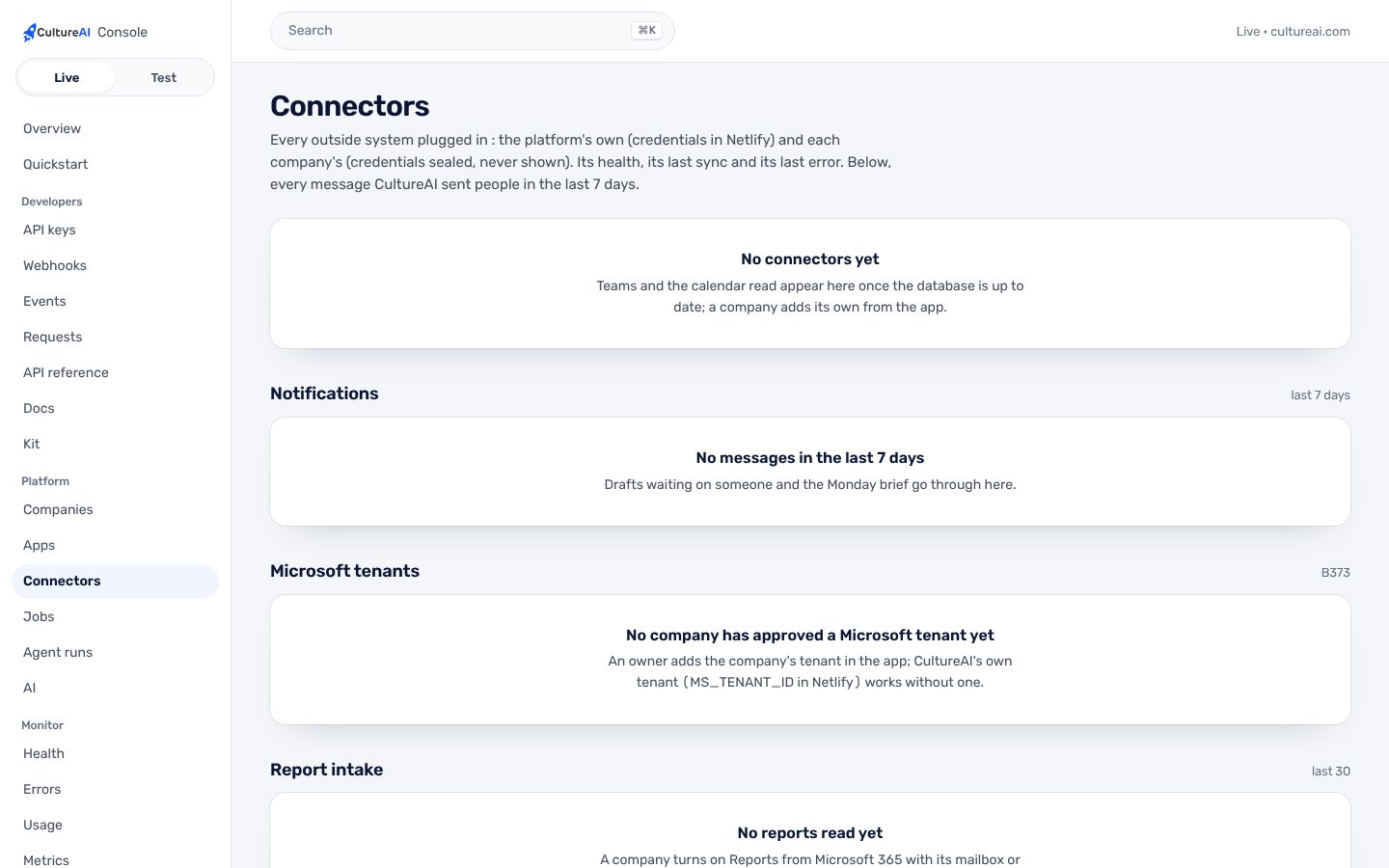
The Console lists the last 30 reports: read, refused or skipped, and why.
An event, counts only
Each report read is an event other apps can react to, carrying counts and never content.
Per company
Set up per company as a connector, inside that company's wall.
Trust and security.
What it keeps apart, what it writes down, and what it never reads. The whole picture is on Security.
- Office numbers onlyPatient rows are refused before anything is kept. It is enforced in code, not left to a setting.
- The company's own tenantReports are read only in a tenant the company approved, with the permissions its admin granted.
- Undo in one stepRemove the permission and the connector reports "not consented" and reads nothing.
How it fits the platform.
Reports from Microsoft 365 is a thin layer on the CultureAI platform. It builds none of these itself; it uses the ones marked Uses.
- Identity and tenancyUses
Sign-in, companies under a parent, roles, the wall each company keeps
- Data and patient dataNot used
One record in Neon; patient data only through its own module
- Events and jobsUses
What happened, in one log; long work as durable jobs
- ConnectorsUses
Outside systems plugged in one way, per company
- The AI layerNot used
One gateway to the model, de-identification, shared tools, cost per company
- Audit and observabilityUses
Who did what; alerts; the daily live check
- NotificationsNot used
Teams, written down, never twice, quiet hours
- Developer surfaceNot used
Keys, versions, webhooks, request logs, the kit
Connectors. Microsoft 365 through Graph: Files.Read.All or Sites.Selected for the folder, and Mail.Read limited to the reports mailbox.
How to get it.
CultureAI is not for sale. It is installed in every company we build or back, and The Culture Group's companies come first. Each company gets it inside its own walls, set up with the rest of the platform.
Say aloha- A company is set up under its parent, with its people and owner, in one step from the Console.
- Its connectors are switched on one at a time, each with its own credentials and its admin's yes.
- Its people sign in with one CultureAI account, and the product is there.
Questions.
Do my teams have to change how they report?
No. They keep sending the same spreadsheets and emails. A label and a number is all CultureAI needs.
Can it read everyone's mail?
Not in the recommended setup. CultureAI is given the one reports mailbox only.
What if a report has patient names in it?
The file is refused before any number is kept, and the Console says why.
Which companies use it today?
None yet. It is ready for the first company that wants it.