
Products · For every site we run
Answers from your own pages, with the sources shown.
For every site the Culture companies run, and the people who read them.
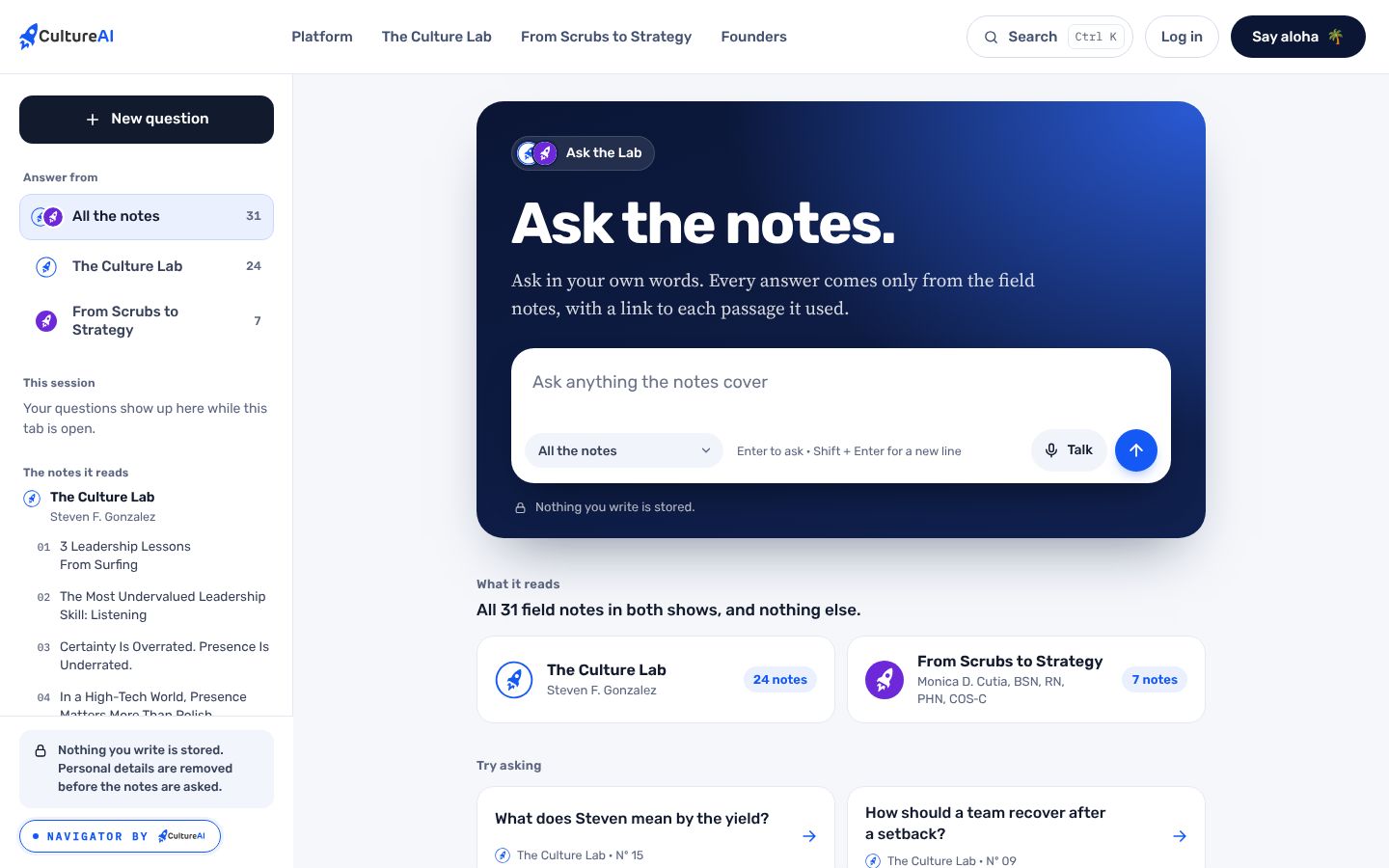
Navigator is the question box on a site. It answers only from that site's own pages, links every passage it used, and can read the answer aloud. When it does not know, it says so.
What it does.
The problem
A site full of good pages still leaves people searching, guessing and calling. A general chatbot answers from the whole internet, and nobody can tell where the answer came from.
What Navigator by CultureAI does
Navigator reads the site's own pages and nothing else. Every answer carries numbered links to the passages it used, in the site's own voice, and can be heard as well as read.
How it works.
Each step, in order. Steps outlined in blue run in the CultureAI core, the same for every product.
- On the site
A question
Typed or spoken into the question box, on a phone or a laptop.
- The core
The site's own pages
The engine reads only the passages in that site's document. Each passage has a stable id.
- The core
An answer, cited
The answer streams in, with a numbered link to every passage it used.
- On the site
Read or heard
Read on screen, or heard in the site's chosen voice.
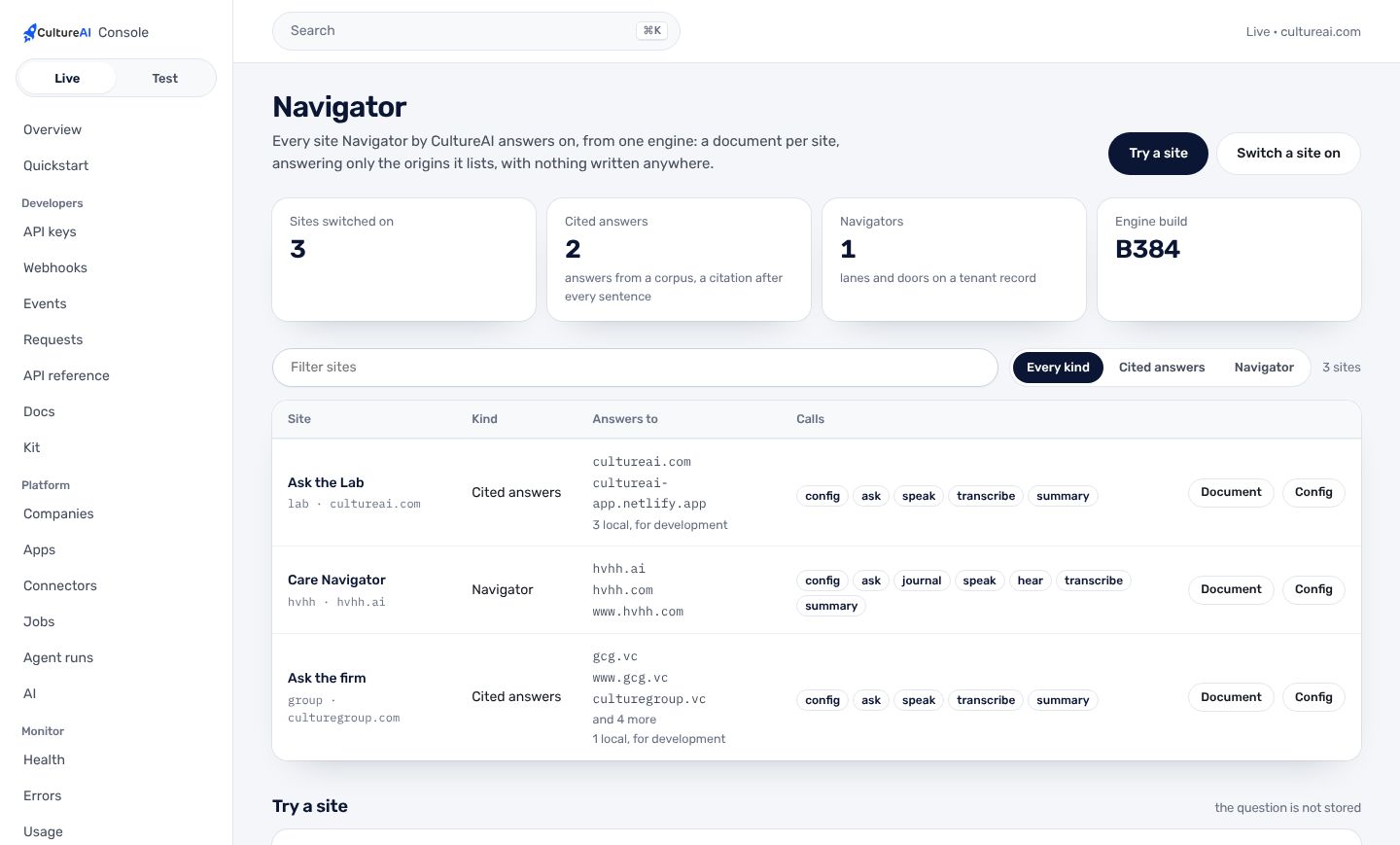
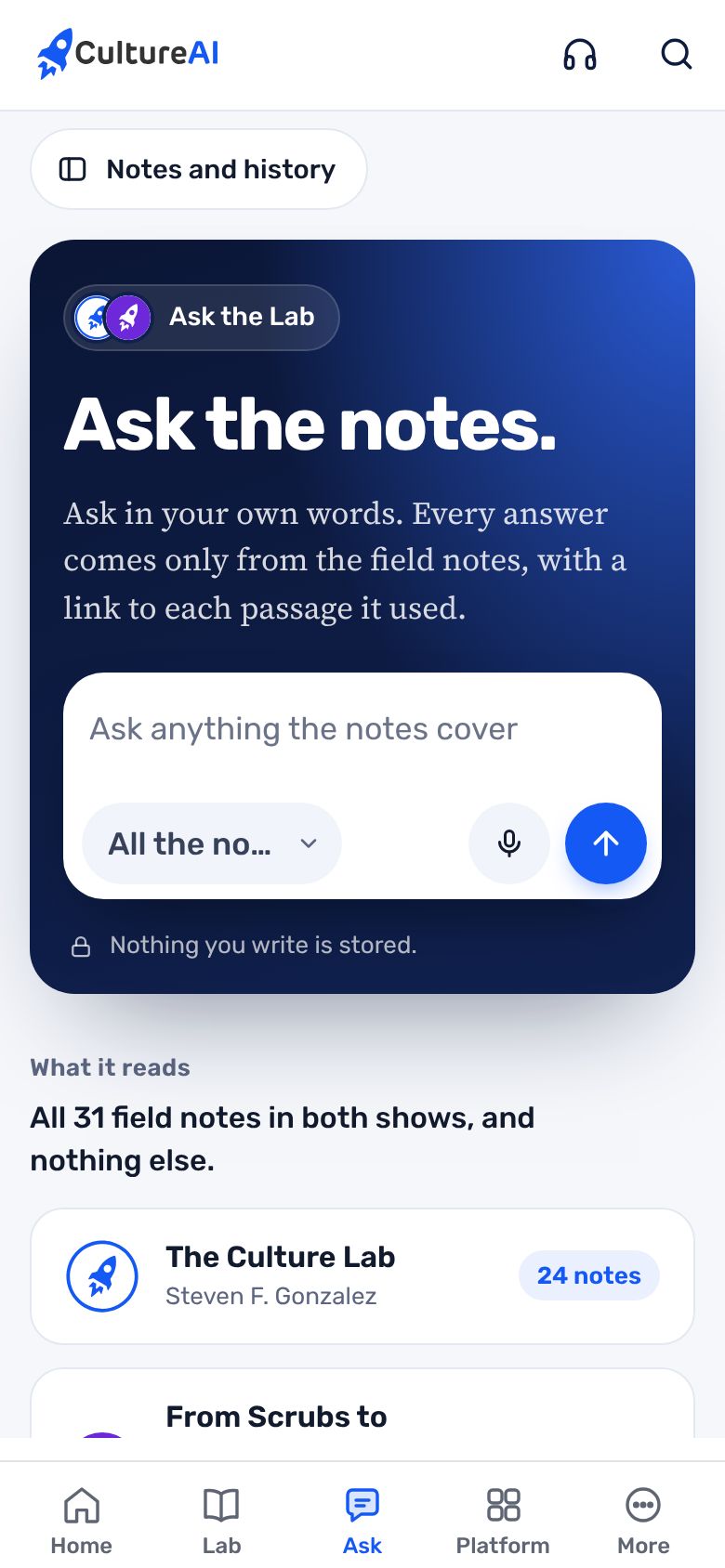
Real screens, not mockups.
Taken from the product running in its local test world, with a sample company and made-up people.
What it does, in plain words.
Only the site's pages
Each deployment has a document that names its origins and its passages. Nothing outside it is used.
Every source linked
Numbered links to each passage used, so a reader can check the answer against the page.
Read aloud
The answer in a voice the site picked, ready in seconds.
Ask about a passage
Select a passage on a page and ask about it.
One pill everywhere
Every Navigator carries the living CultureAI pill in its panel footer, linked to cultureai.com.
Running on our sites
Ask the Lab on cultureai.com, hvhh.ai's navigators, and The Culture Group's site.
Trust and security.
What it keeps apart, what it writes down, and what it never reads. The whole picture is on Security.
- No patient dataNavigator answers from public pages. It is not a door to anyone's record.
- Limits per companyQuestions are limited per company per minute, so one site cannot run up the bill.
- MeteredEvery answer is metered to the app and company it served, and shows in the Console's usage.
How it fits the platform.
Navigator by CultureAI is a thin layer on the CultureAI platform. It builds none of these itself; it uses the ones marked Uses.
- Identity and tenancyUses
Sign-in, companies under a parent, roles, the wall each company keeps
- Data and patient dataNot used
One record in Neon; patient data only through its own module
- Events and jobsNot used
What happened, in one log; long work as durable jobs
- ConnectorsNot used
Outside systems plugged in one way, per company
- The AI layerUses
One gateway to the model, de-identification, shared tools, cost per company
- Audit and observabilityUses
Who did what; alerts; the daily live check
- NotificationsNot used
Teams, written down, never twice, quiet hours
- Developer surfaceUses
Keys, versions, webhooks, request logs, the kit
Connectors. The model through Anthropic, the voice through ElevenLabs. N11 moves hvhh.ai's navigators onto the same engine and the AI gateway.
How to get it.
CultureAI is not for sale. It is installed in every company we build or back, and The Culture Group's companies come first. Each company gets it inside its own walls, set up with the rest of the platform.
Say aloha- A company is set up under its parent, with its people and owner, in one step from the Console.
- Its connectors are switched on one at a time, each with its own credentials and its admin's yes.
- Its people sign in with one CultureAI account, and the product is there.
Questions.
Can it make things up?
It answers only from the site's own passages and shows each one it used. When the pages do not hold the answer, it says it does not know.
Which sites run it?
cultureai.com (Ask the Lab), hvhh.ai and The Culture Group's site.
Can I try it?
Yes, on this site: Ask the Lab answers from both shows' field notes.
How is it added to a site?
A document for the site names its origins and its pages; the kit's SDK or the site's script asks the engine. The Console lists every site.