
Products · One identity
One sign-in for every Culture site, and the app.
For the people of a company, on its own sites and in CultureAI.
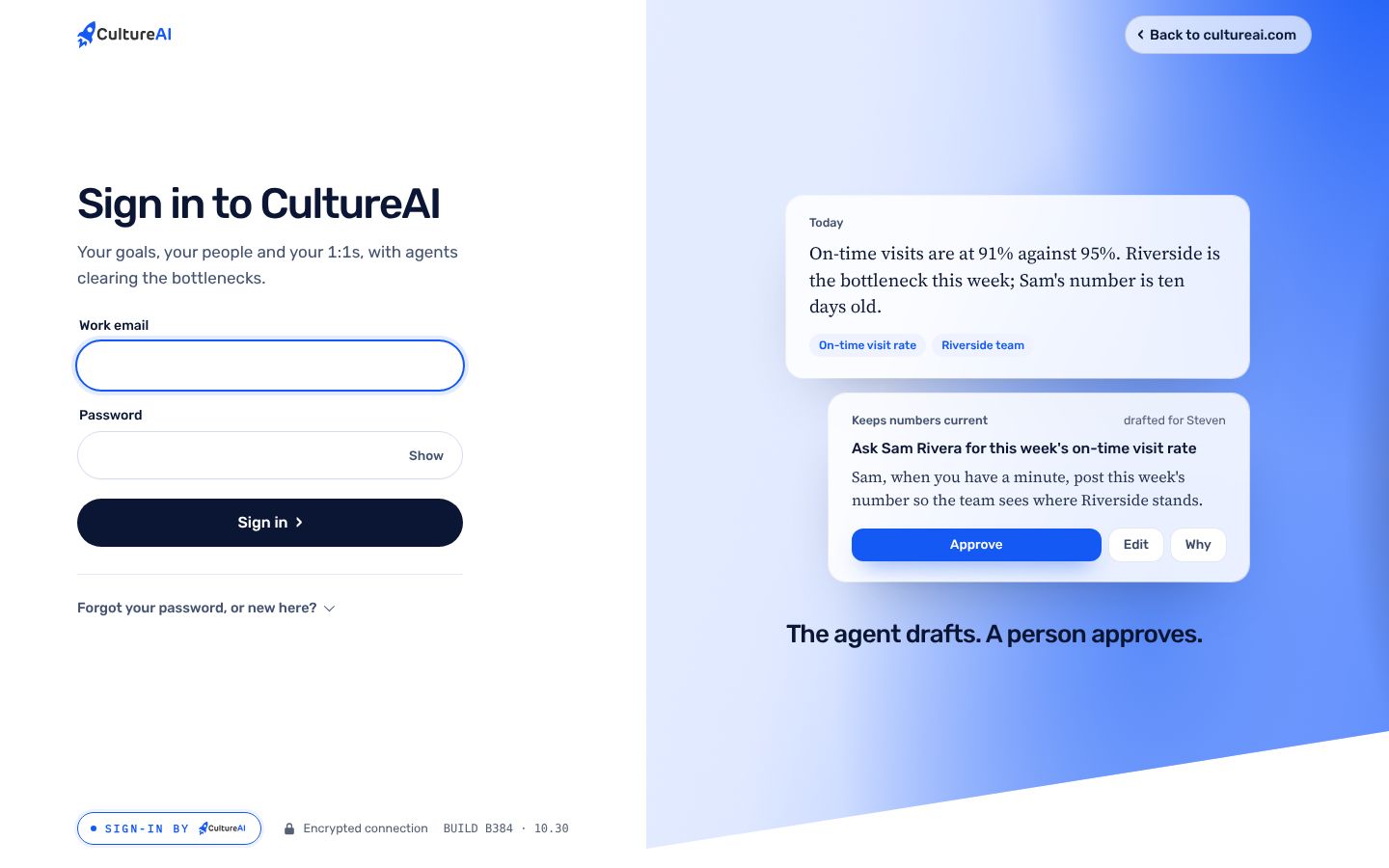
A Culture site's sign-in screen sends the email and password straight to CultureAI, so the site's own servers never see a password. One account opens the site, and the app, with the right company in view.
What it does.
The problem
Every site that builds its own sign-in keeps its own passwords, its own resets and its own holes. People end up with three accounts and the same weak password on each.
What Sign-in by CultureAI does
One CultureAI account per person, one password, one two-step secret, and a membership per company. Each site gets a short signed pass, never the password.
How it works.
Each step, in order. Steps outlined in blue run in the CultureAI core, the same for every product.
- On the site
Email and password
The site's sign-in screen posts straight to CultureAI from the browser.
- The core
Checked once
A member of the site's company gets in. Anyone else gets the same calm answer as a wrong password.
- The core
A pass and a refresh
A signed pass for ten minutes, checked with CultureAI's public key, and a refresh the site keeps for 90 days.
- On the site
Into the app
From a site, a one-time address opens the app with that site's company in view. It works once, for two minutes.
Real screens, not mockups.
Taken from the product running in its local test world, with a sample company and made-up people.
What it does, in plain words.
No password on the site
The browser posts to CultureAI directly. The site's servers only ever hold the pass and the refresh.
Two-step, remembered
With two-step on, the code is asked once on a device, then remembered for 90 days.
No sign-up
There is no way to make an account from a sign-in screen. People are invited by their company.
Sign out of one
Signing out of one site never signs you out of another, or of the app.
One identity
One account across The Culture Group's site, hvhh.ai and cultureai.com/app, with a membership per company.
Sign in with Microsoft, ready
Built for the app's door and off until three admin steps are done. The password keeps working.
Trust and security.
What it keeps apart, what it writes down, and what it never reads. The whole picture is on Security.
- Nothing to learnA stranger gets the same answer as a wrong password, so no one can find out who is on a team.
- Signed passesEdDSA-signed passes that expire in ten minutes, checked against the public key at /api/site-auth/keys.
- Taken out of a companyRemoving someone from a company closes that site's door and leaves the rest.
- Written downComing in from a site leaves an activity line saying where.
How it fits the platform.
Sign-in by CultureAI is a thin layer on the CultureAI platform. It builds none of these itself; it uses the ones marked Uses.
- Identity and tenancyUses
Sign-in, companies under a parent, roles, the wall each company keeps
- Data and patient dataNot used
One record in Neon; patient data only through its own module
- Events and jobsNot used
What happened, in one log; long work as durable jobs
- ConnectorsNot used
Outside systems plugged in one way, per company
- The AI layerNot used
One gateway to the model, de-identification, shared tools, cost per company
- Audit and observabilityUses
Who did what; alerts; the daily live check
- NotificationsNot used
Teams, written down, never twice, quiet hours
- Developer surfaceUses
Keys, versions, webhooks, request logs, the kit
Connectors. Microsoft 365 for Sign in with Microsoft, once it is switched on. Each site's document names the company whose people may enter.
How to get it.
CultureAI is not for sale. It is installed in every company we build or back, and The Culture Group's companies come first. Each company gets it inside its own walls, set up with the rest of the platform.
Say aloha- A company is set up under its parent, with its people and owner, in one step from the Console.
- Its connectors are switched on one at a time, each with its own credentials and its admin's yes.
- Its people sign in with one CultureAI account, and the product is there.
Questions.
Which sites use it?
The Culture Group's site and hvhh.ai, with cultureai.com's own app.
Can anyone sign up?
No. People are invited into their company; there is no sign-up on any sign-in screen.
What about Microsoft accounts?
Sign in with Microsoft is built and off. It turns on after three admin steps, and the password stays as the fallback.
What if I lose my phone?
Use one of the eight recovery codes shown when two-step was turned on. Each works once, and its use is in the activity log.