
Products · Where people work
Ask CultureAI where your team already works.
For everyone at a company on CultureAI that runs on Microsoft Teams.
Message CultureAI in a Teams chat or mention it in a channel. It answers from your company's record, starts the work as a job, and reaches you in Teams without waking you up at night.
What it does.
The problem
A new app is one more place to check. People already live in Teams, so goals, readings and the office's numbers end up asked about in chat anyway, and answered from memory.
What CultureAI in Teams does
CultureAI sits in the chat. Ask what is waiting on you, hand it a file, or ask about a number. It answers from the record, inside your company only, and its messages wait for the morning when you are off.
How it works.
Each step, in order. Steps outlined in blue run in the CultureAI core, the same for every product.
- In Teams
A message
A direct message, or a mention in a channel. A long message is read up to 4,000 characters.
- The core
The right company
The tenant it came from decides the company. An approved tenant is answered only inside the companies that approved it.
- The core
An answer or a job
A question is answered from the record. Work, like a census export, becomes a durable job.
- The core
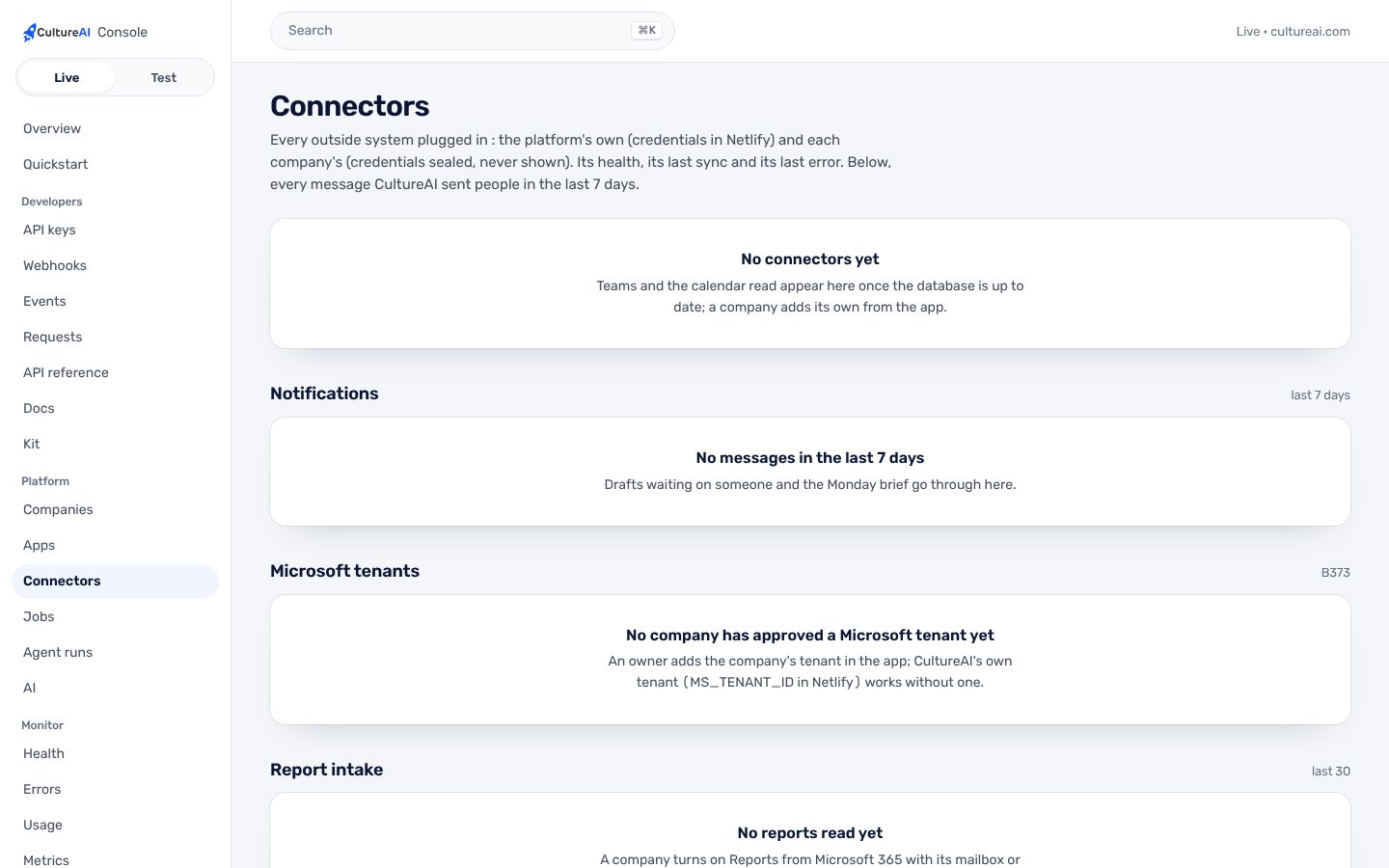
Notifications
Every message CultureAI sends is written down, never sent twice, and held in the person's quiet hours.
- In Teams
Back in the chat
The answer, and the job's progress step by step. Files land on the Jobs page.
Real screens, not mockups.
Taken from the product running in its local test world, with a sample company and made-up people.
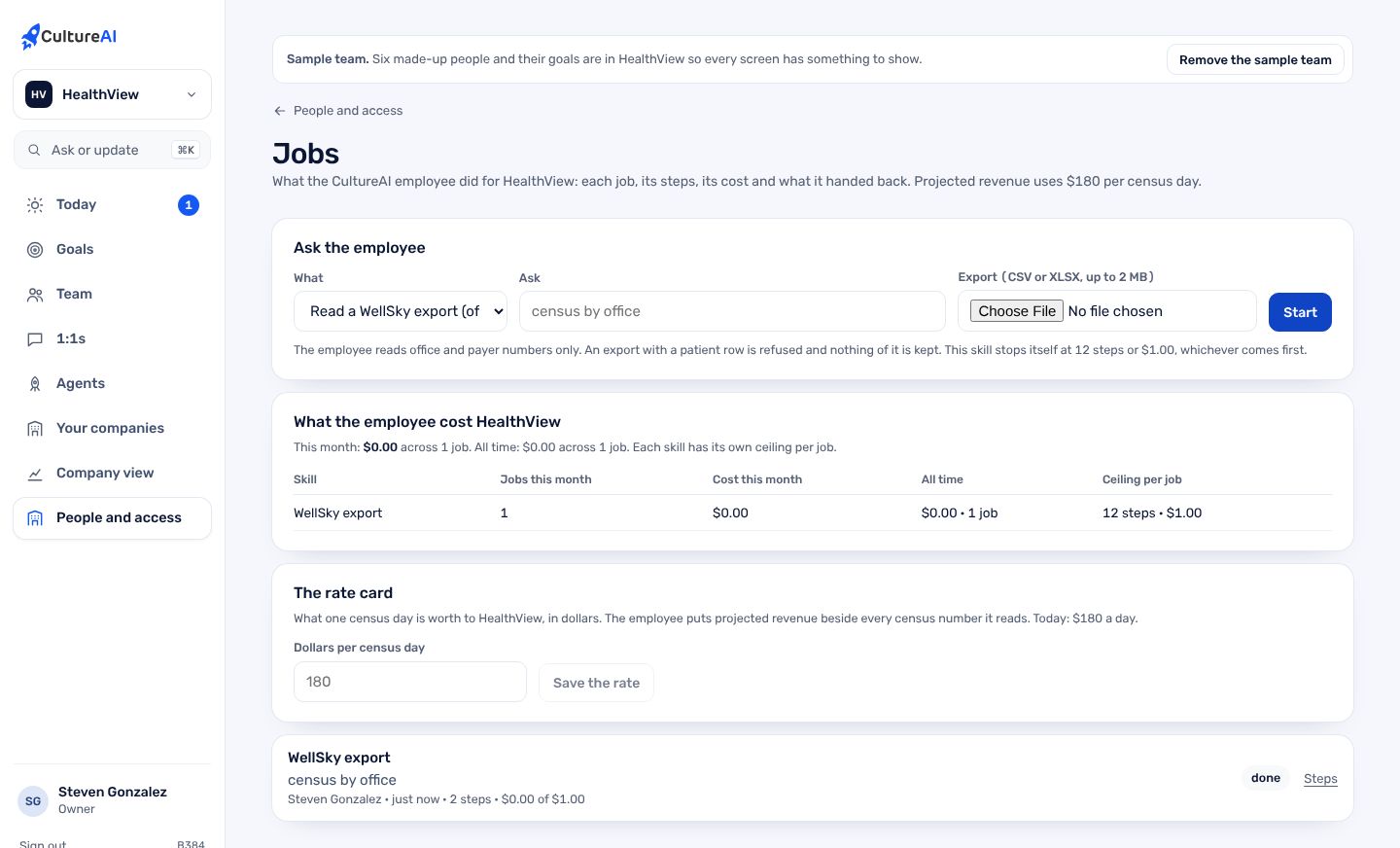
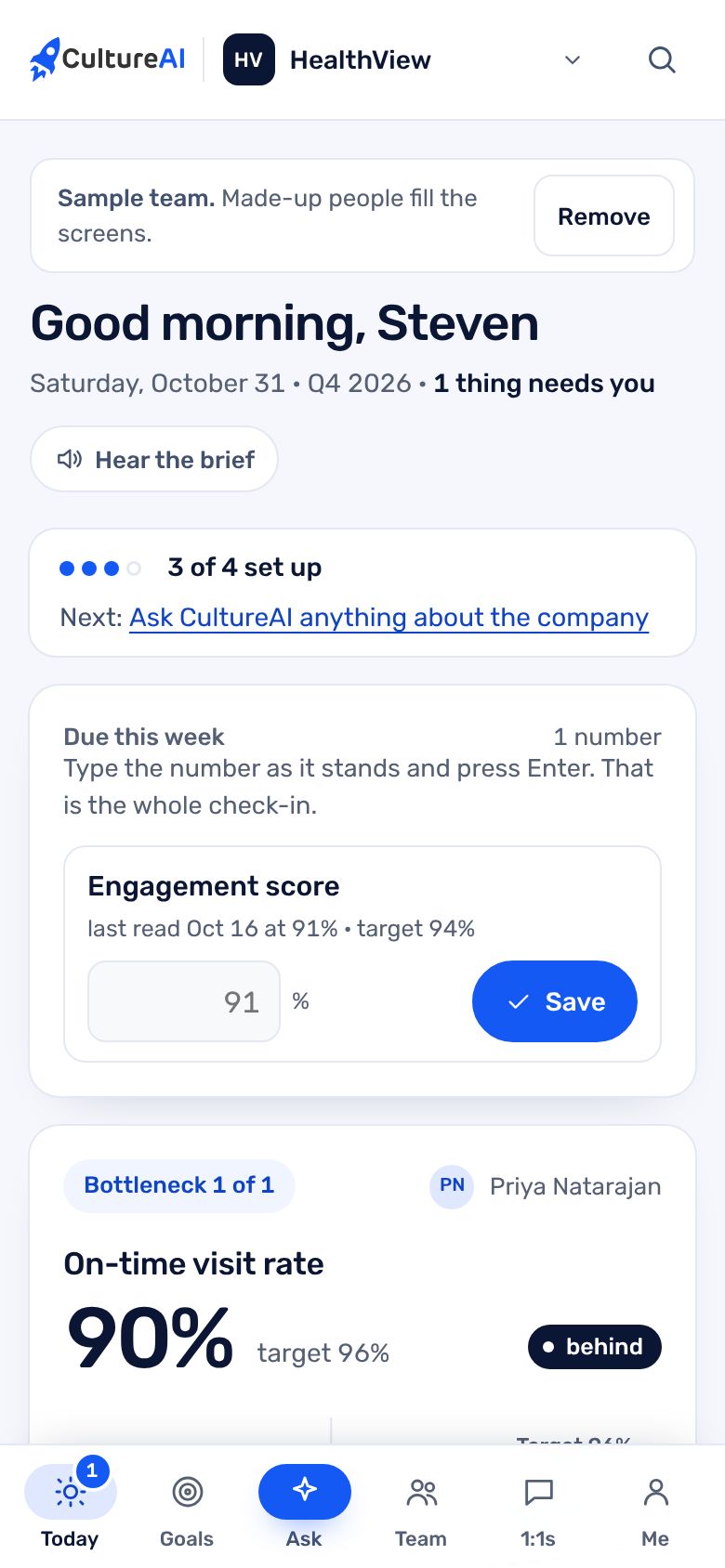
There is no picture of Teams here: the local test world has no Microsoft tenant, and we do not draw one. The screens above are the parts of CultureAI that Teams talks to.
What it does, in plain words.
What is waiting on me
Ask in a DM or a channel and get your goals, readings due and drafts waiting, from your company only.
Files in the chat
Attach a census, billing or aging export and the employee works on it as a job, answering in the same chat.
Routed by tenant
Each message goes to the company whose Microsoft tenant it came from. Someone outside those companies is told so and sees nothing.
Quiet hours
By default 7 pm to 7 am and weekends, in each person's own time zone. Each person sets their own. Urgent messages go through.
The Monday brief
A short brief on Monday at 7 am, through the same notifications service.
Per-tenant install
When a company adds the app, CultureAI records when and where it was installed. Never who, never what was said.
Trust and security.
What it keeps apart, what it writes down, and what it never reads. The whole picture is on Security.
- One company per answerA tenant a company approved is answered only inside that company and the companies under it.
- Admin consent, signedAn owner gets a signed one-hour link for the tenant's Microsoft admin. The consent, or why not, is recorded.
- Revoked, never deletedA tenant can be revoked at once and the bot stops answering it. The record of it stays.
- Nothing said is kept in logsWhen a message does not fit, the log names the field that failed, never the words.
How it fits the platform.
CultureAI in Teams is a thin layer on the CultureAI platform. It builds none of these itself; it uses the ones marked Uses.
- Identity and tenancyUses
Sign-in, companies under a parent, roles, the wall each company keeps
- Data and patient dataNot used
One record in Neon; patient data only through its own module
- Events and jobsUses
What happened, in one log; long work as durable jobs
- ConnectorsUses
Outside systems plugged in one way, per company
- The AI layerUses
One gateway to the model, de-identification, shared tools, cost per company
- Audit and observabilityUses
Who did what; alerts; the daily live check
- NotificationsUses
Teams, written down, never twice, quiet hours
- Developer surfaceNot used
Keys, versions, webhooks, request logs, the kit
Connectors. Microsoft 365 through the CultureAI app registration, which is multi-tenant. Teams and the read-only calendar are the first connectors on the framework.
How to get it.
CultureAI is not for sale. It is installed in every company we build or back, and The Culture Group's companies come first. Each company gets it inside its own walls, set up with the rest of the platform.
Say aloha- A company is set up under its parent, with its people and owner, in one step from the Console.
- Its connectors are switched on one at a time, each with its own credentials and its admin's yes.
- Its people sign in with one CultureAI account, and the product is there.
Questions.
Which companies can use it today?
The Culture companies on Steven's own Microsoft tenant. Another company's tenant is added in CultureAI, approved by its owner, and consented to by its Microsoft admin.
Will it message me at night?
No. Messages wait for the end of your quiet hours, 7 pm to 7 am and weekends by default. Urgent ones go through.
Does it read our Teams chats?
It reads only messages sent to it: a direct message, or a channel message that mentions it.
Is it in our Teams app catalog?
The org catalog upload is ready as an admin step for Steven. Until then it is added to Teams directly.